

Help Center
Our blog


How to Track Student Progress in Self-Paced Learning
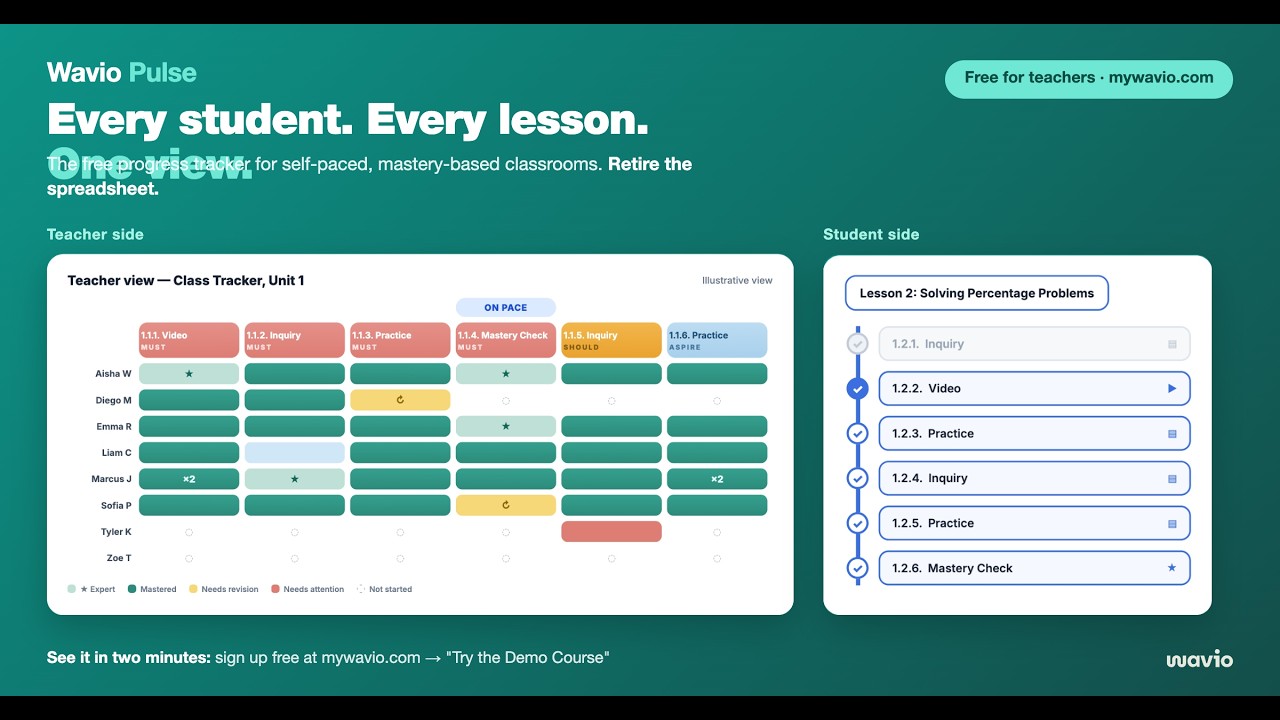
Self-paced learning gives students more ownership over their learning, but it also creates a challenge for teachers: how do you know where every student is at any given moment? In a traditional classroom, students typically move through lessons together. In a self-paced classroom, students may be working on different lessons, skills, and assessments simultaneously. Without a clear system for monitoring progress, it's easy for students to fall behind unnoticed. This guide explains what...


Webinars


Webinars
Webinars
Tutorials





Tutorials
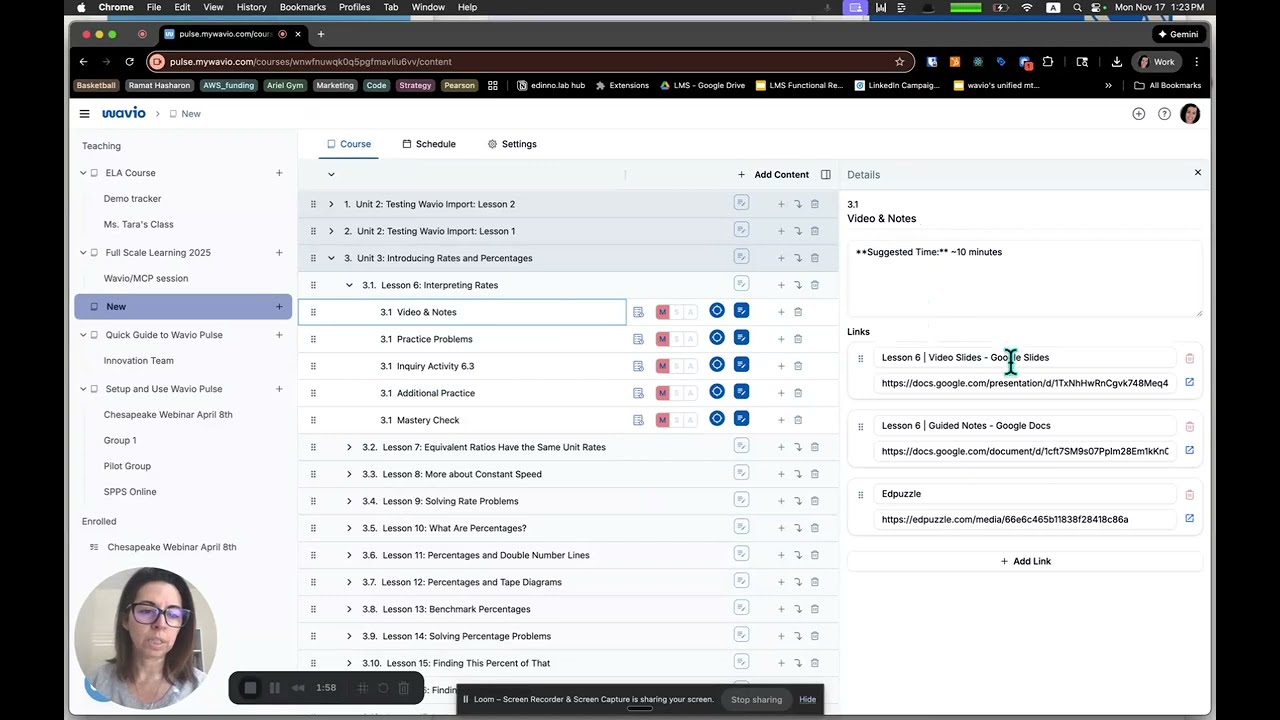
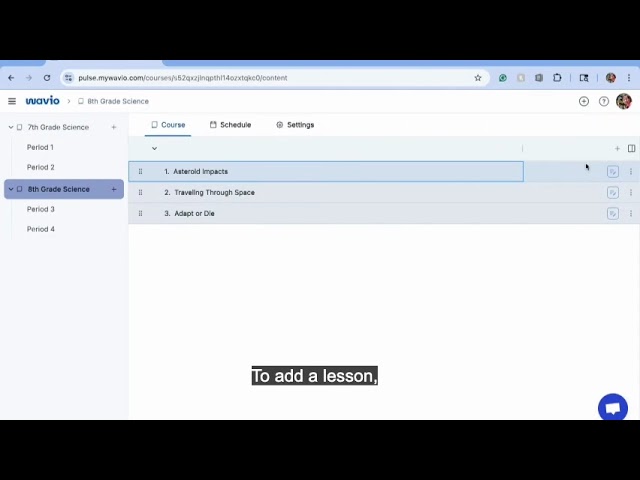
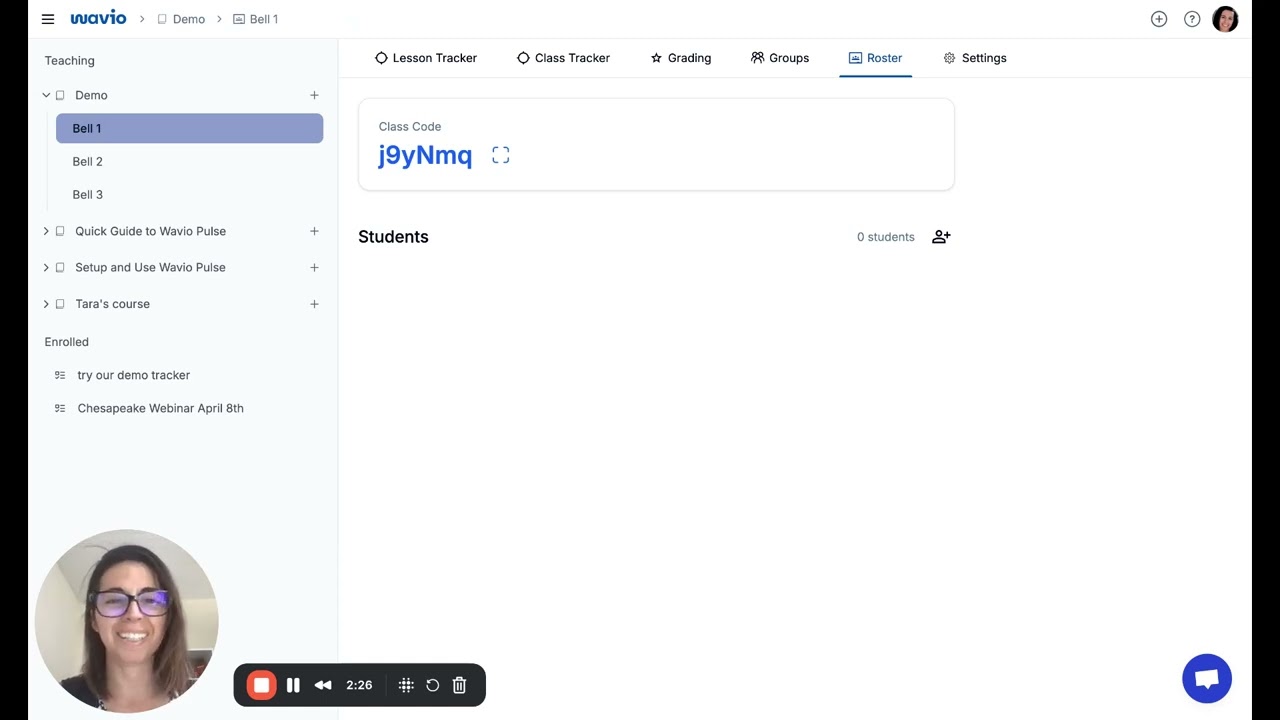
Wavio Pulse: Tutorial Videos
Media Mentions
MCP Podcast 239: Wavio
"Wavio Pulse is making self-paced, mastery-based learning more accessible - and more effective - for teachers and students across the country. It's a user-friendly platform that's built specifically to support instruction that meets every student's needs. I encourage every teacher to try using Wavio Pulse!"
Robert Barnett
Co-Founder & Chief Product Officer of the Modern Classrooms Project
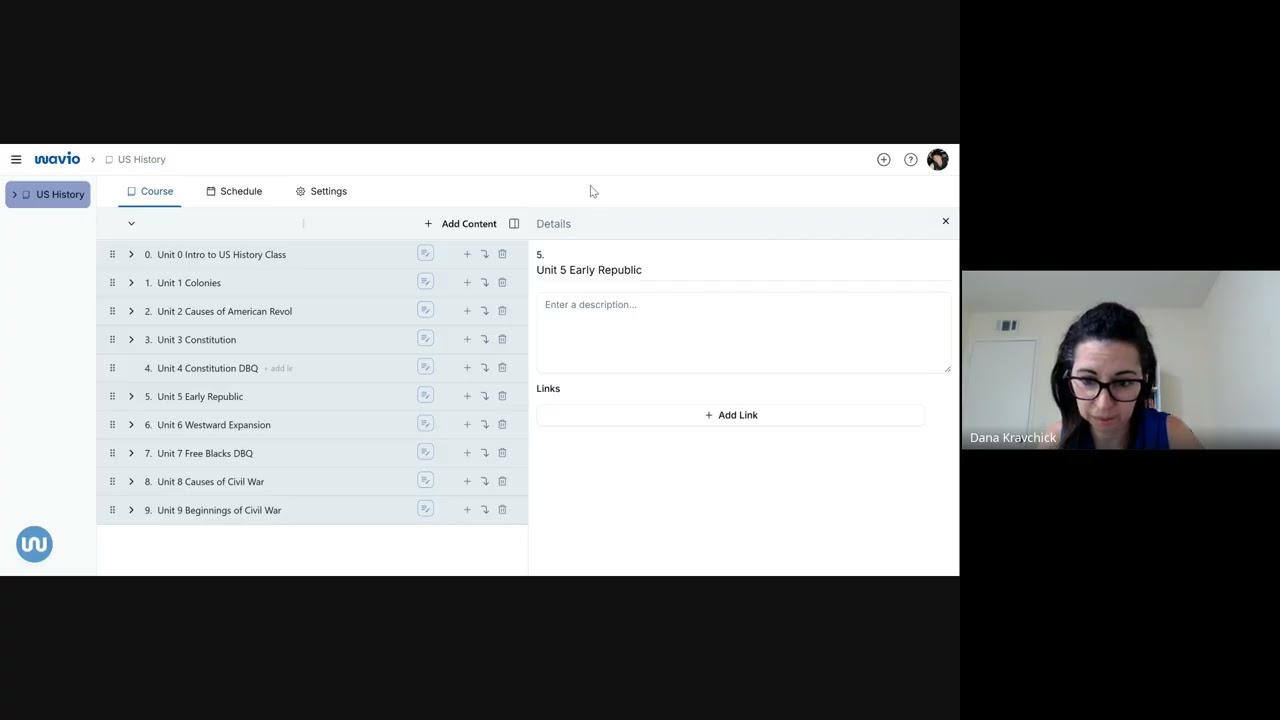
Course Content
Reordering Items
Press and hold on the 6 dots to the right most side of the activity/lesson/unit to change its order in the courses


Progress Tracker
Update Buttons
For rapid update of student status go to Trackers > Update hover over a student and click the button relevant for the update.


